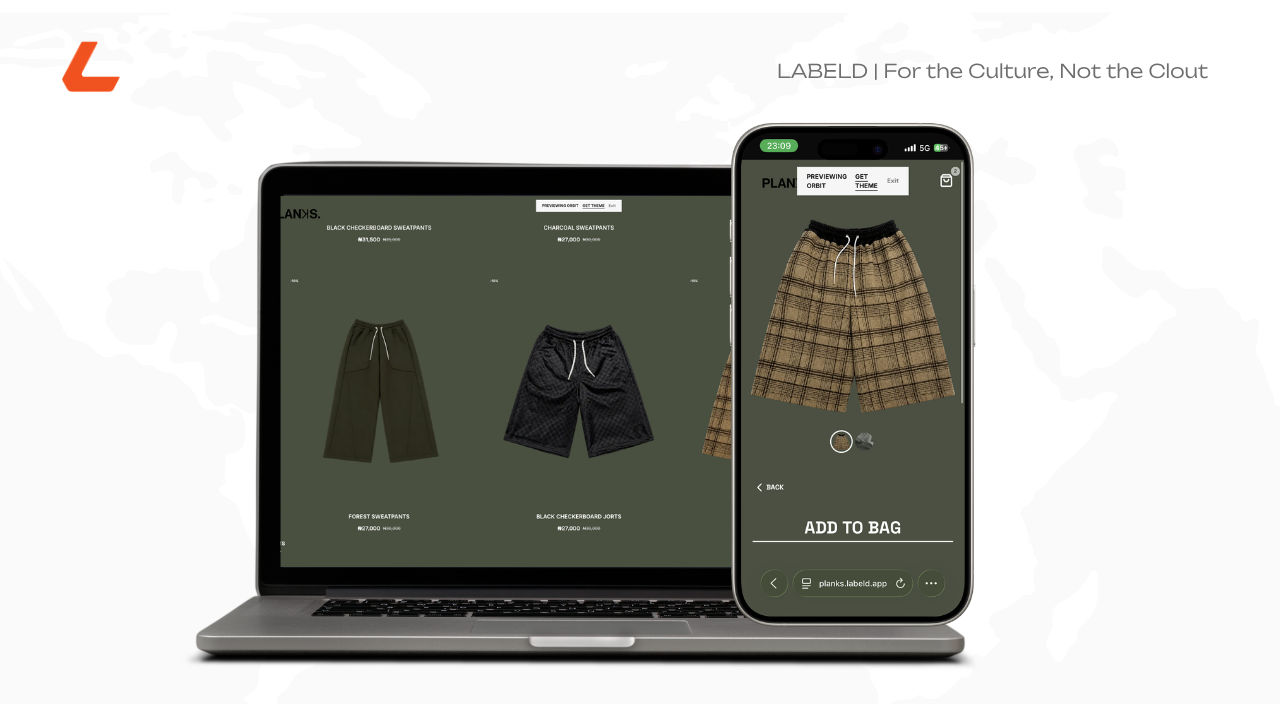
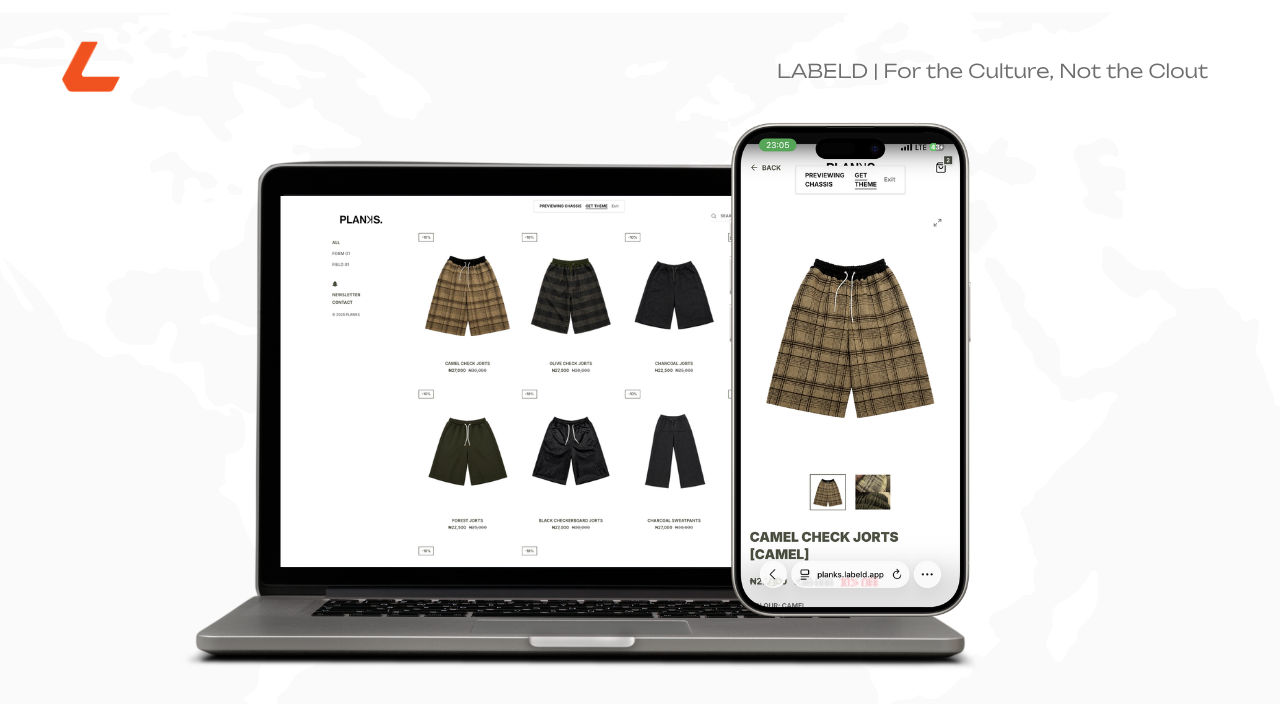
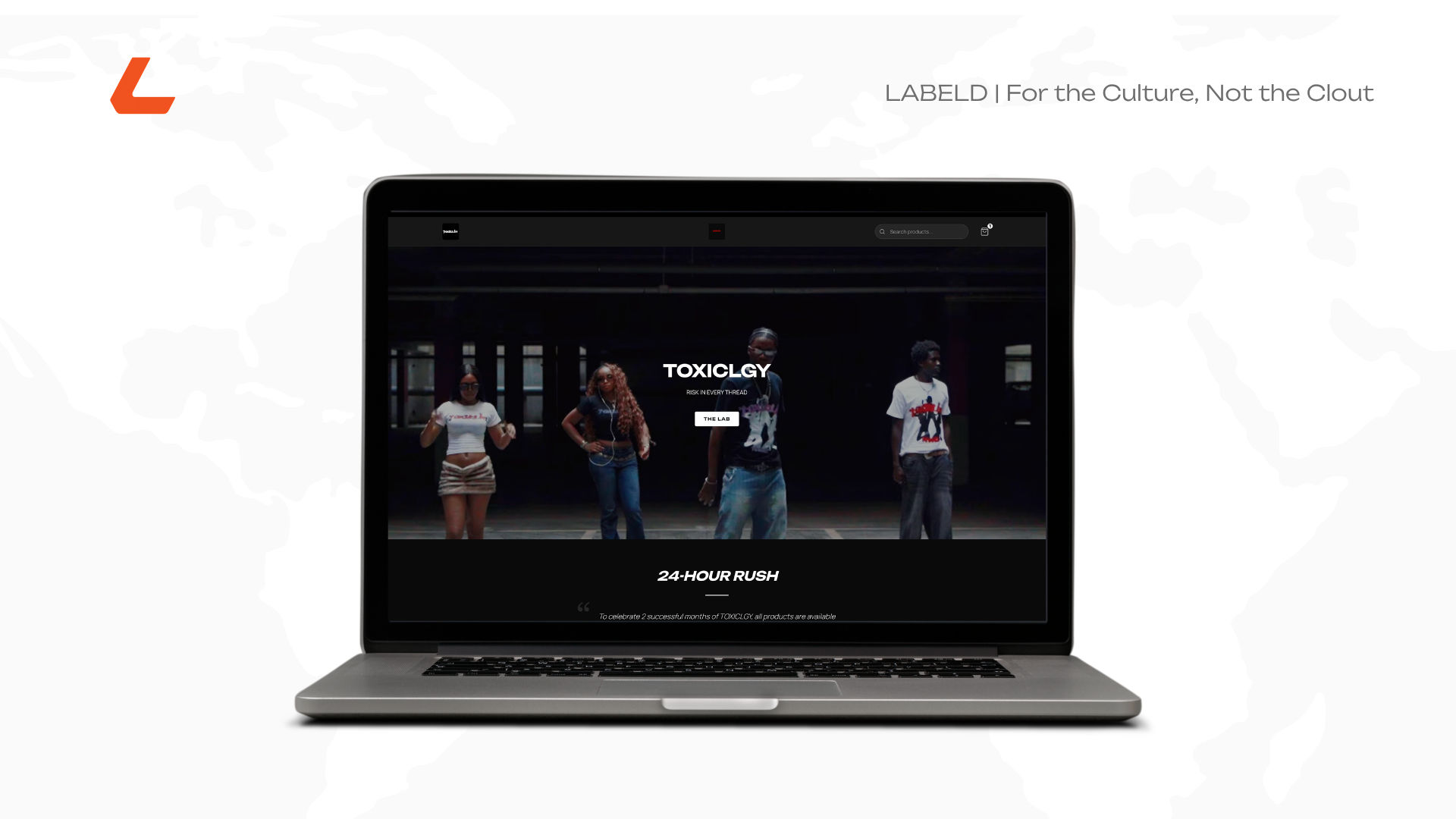
Your site loading screen just got a name
Replace generic loading screens and header text with your brand's unique wordmark. The new Brand Wordmark feature helps independent brands reinforce identity from the first tap.

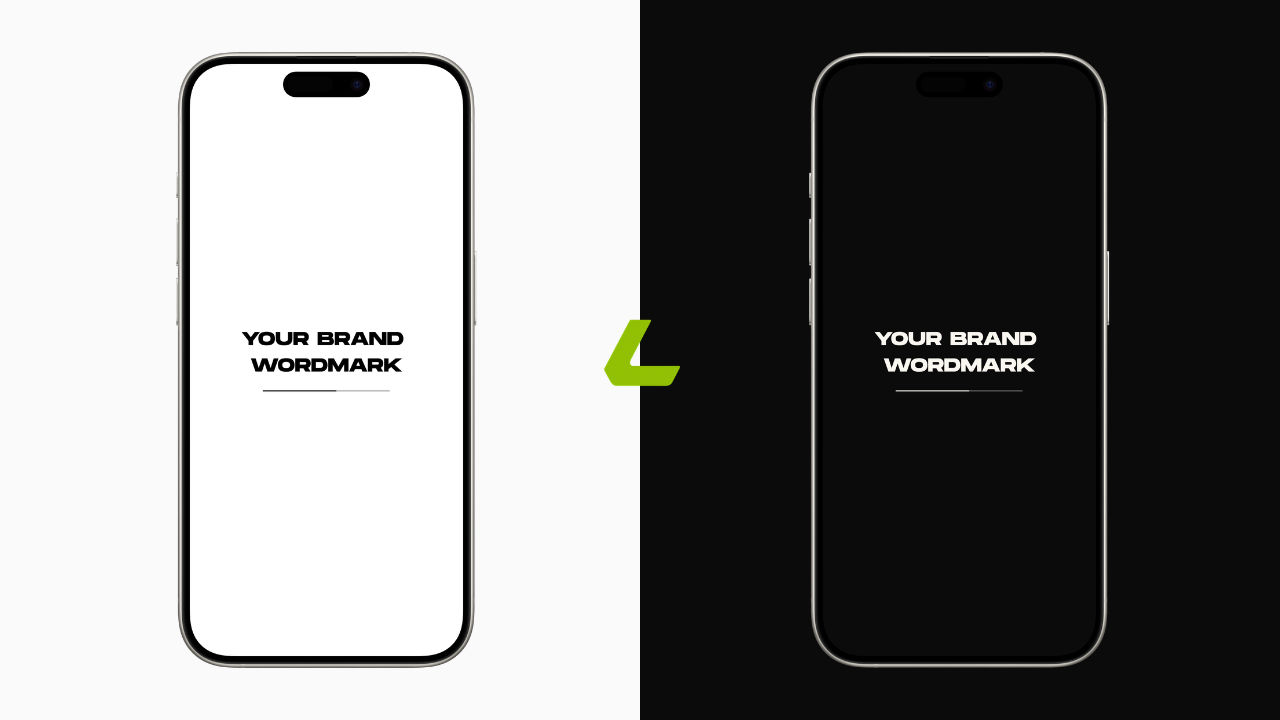
A customer taps your product link from Instagram. Before they see a single item, they see your storefront load. On most stores, that's a spinning icon and the words "Loading Store..." Generic, forgettable, and the same for every brand on the platform.
Brand Wordmark changes what happens in that half second. Instead of a generic loader, customers see your own name, in your own type, the moment the page starts pulling up. It's a small window, but it's the first thing anyone sees of your store, and now it can actually look like yours.
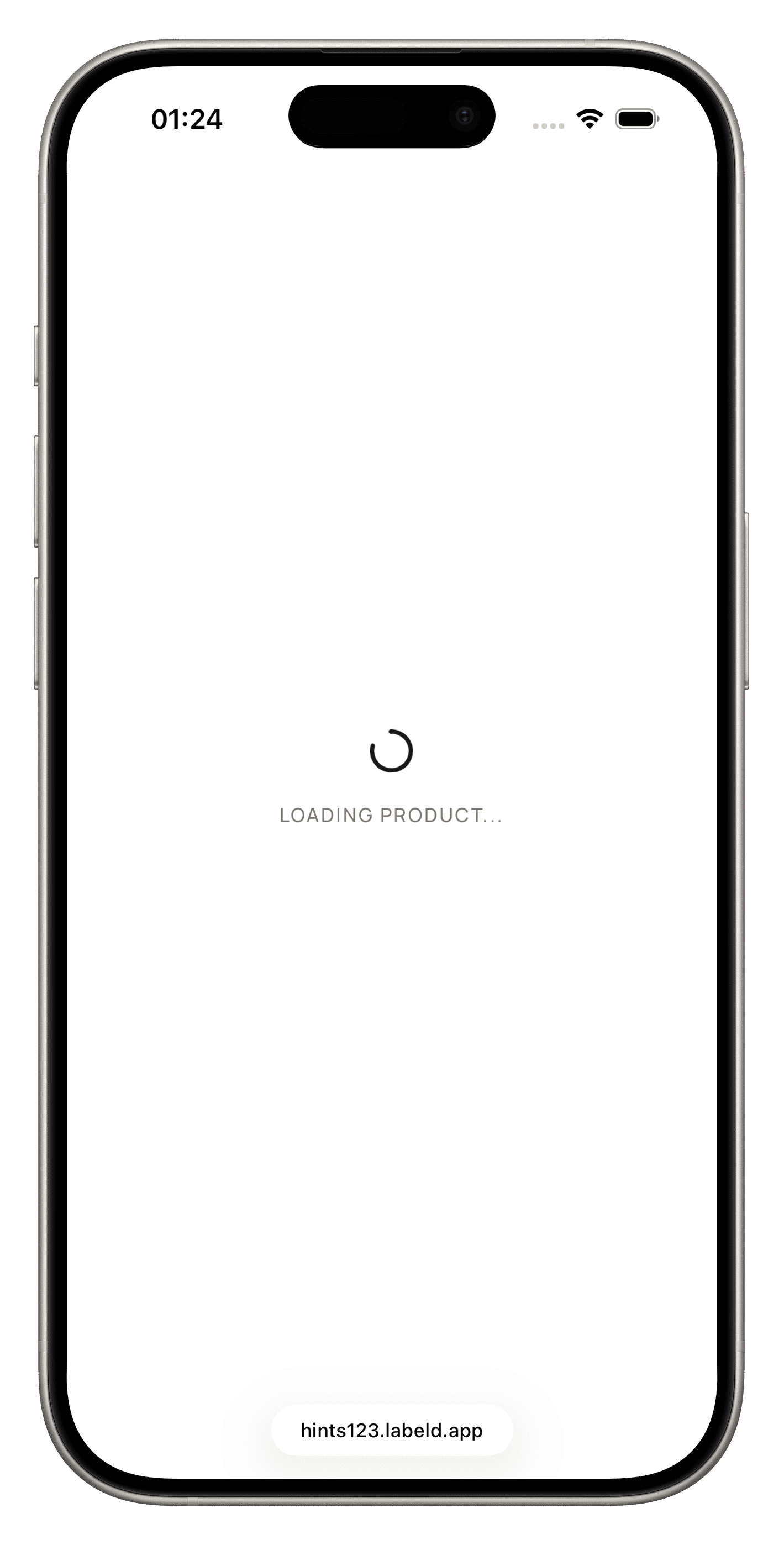
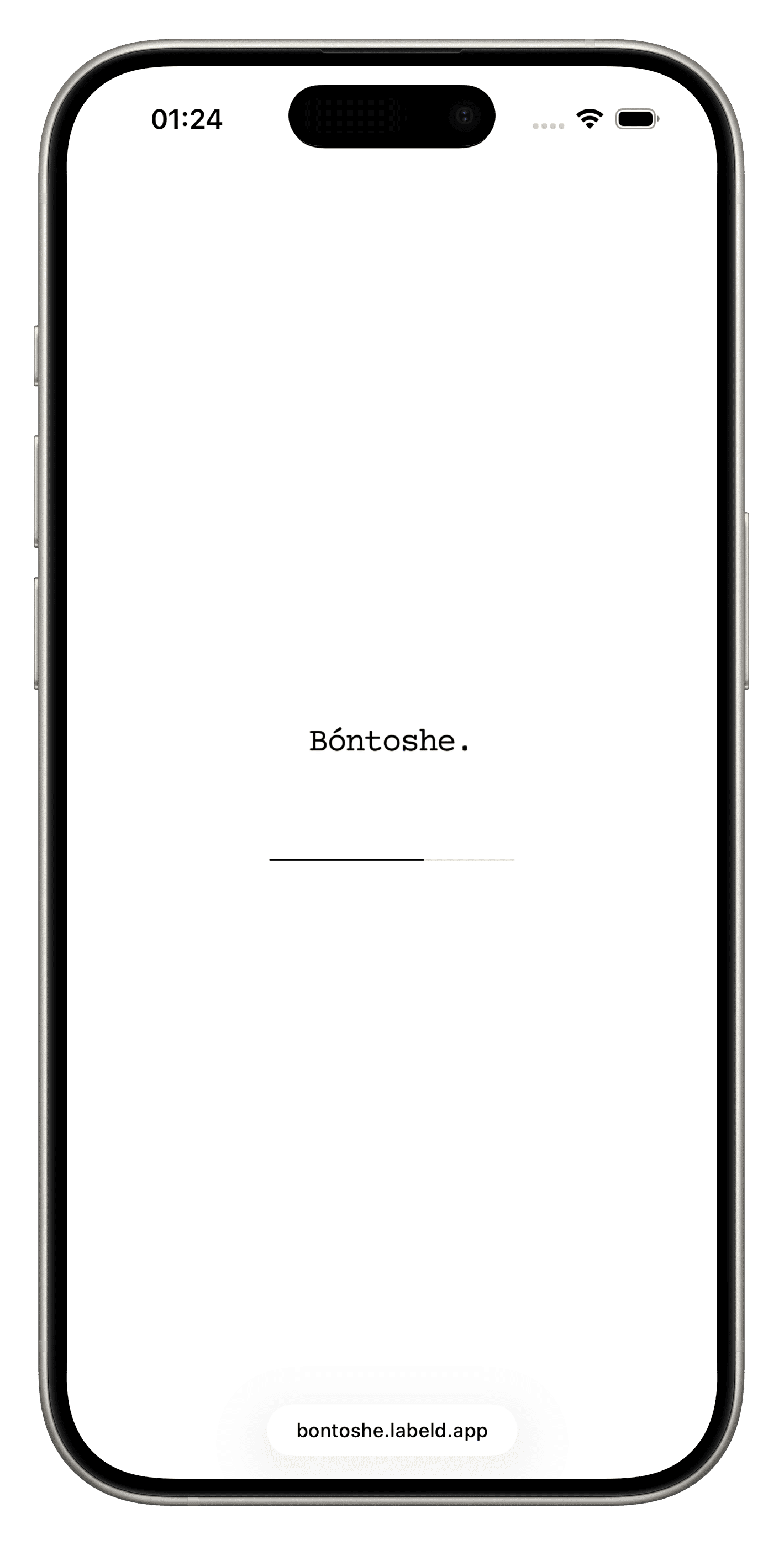
Where it shows up
Brand Wordmark replaces the plain text version of your brand name in two places on your storefront.
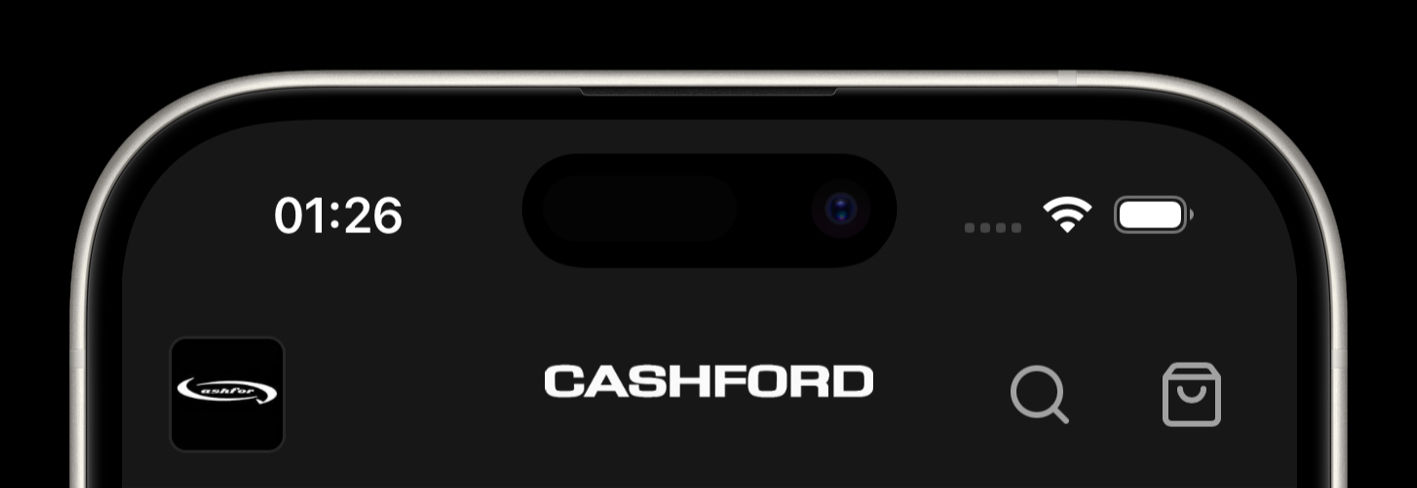
The header. Instead of your brand name typed out in the nav bar, your wordmark image sits there instead, centered and scaled to fit.
The loading screen. Instead of the spinner and "Loading Store..." text, customers see your wordmark front and center, with a thin animated progress line underneath it.
Your logo, the small square mark in the corner of your header, stays exactly where it is and works independently. The wordmark is a separate upload built specifically for wide spaces, the header center and the loading screen, where a square icon would look cramped or lost.
Why a wordmark specifically
Most independent brands start with a logo mark, a symbol, an icon, something visual. But a lot of the most recognizable names in retail lean on typography alone. Coca-Cola, Google, and IKEA all built their identity around how their name looks written down, not a separate symbol next to it. There's a reason for that: a wordmark does double duty. It looks like a brand mark and it teaches people your name at the same time, which matters most when you're still building recognition.
For a storefront specifically, that repetition adds up. Every page load, every header glance, every second spent waiting for products to appear is another rep of your name in your own type. A generic spinner wastes that rep. A wordmark spends it.
Setting it up
Go to More, then Brand Space, then Brand Identity, and scroll down to the Brand Wordmark section. Tap upload and pick an image from your gallery.
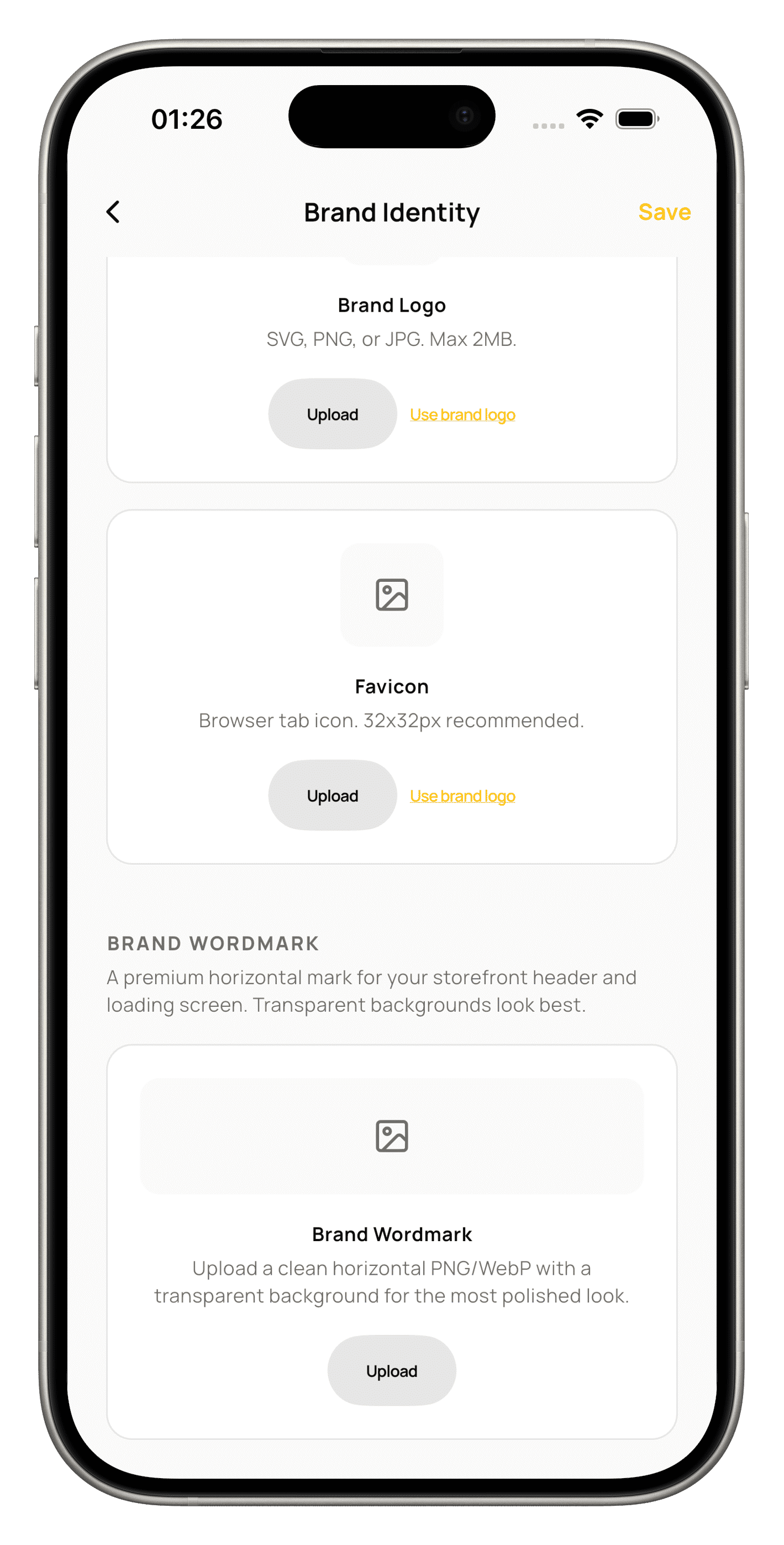
Use a horizontal image with a transparent background. PNG or WebP both work, and the app converts everything to PNG on save to keep the transparency intact. Transparent matters here specifically because the wordmark sits directly over your header and loading screen backgrounds. A white box around your text will look like a mistake, not a mark.
The cropper gives you three presets: original ratio, square, and 16:9. Aspect lock is off by default, so you can freestyle the crop until it looks right in the wide preview.
Once you save, it uploads and writes straight to your storefront config. There's no publish step. The next customer who loads your store sees it.
Who has access
Brand Wordmark is part of Pro. Free brands can see the feature in Brand Identity, but the section is locked, and the storefront falls back to plain text regardless of what's uploaded behind the scenes.
Pro pricing:
Monthly, 5,000 naira. Quarterly, 13,500 naira. Bi-annual, 26,500 naira. Annual, 50,000 naira.
If you're already on Pro, this is live for you now under Brand Identity. If you're not, the wordmark is one more reason the upgrade shows up as more than a badge. It's the difference between a customer seeing "Loading Store..." and seeing your name.
Was this article helpful?
The newsletter for
brand builders.
Guides, drops, and dispatches from Labeld — in your inbox, no noise.
Start your brand
for the culture.
Launch drops, manage events, and run your storefront from one place with Labeld Studio.
Get started