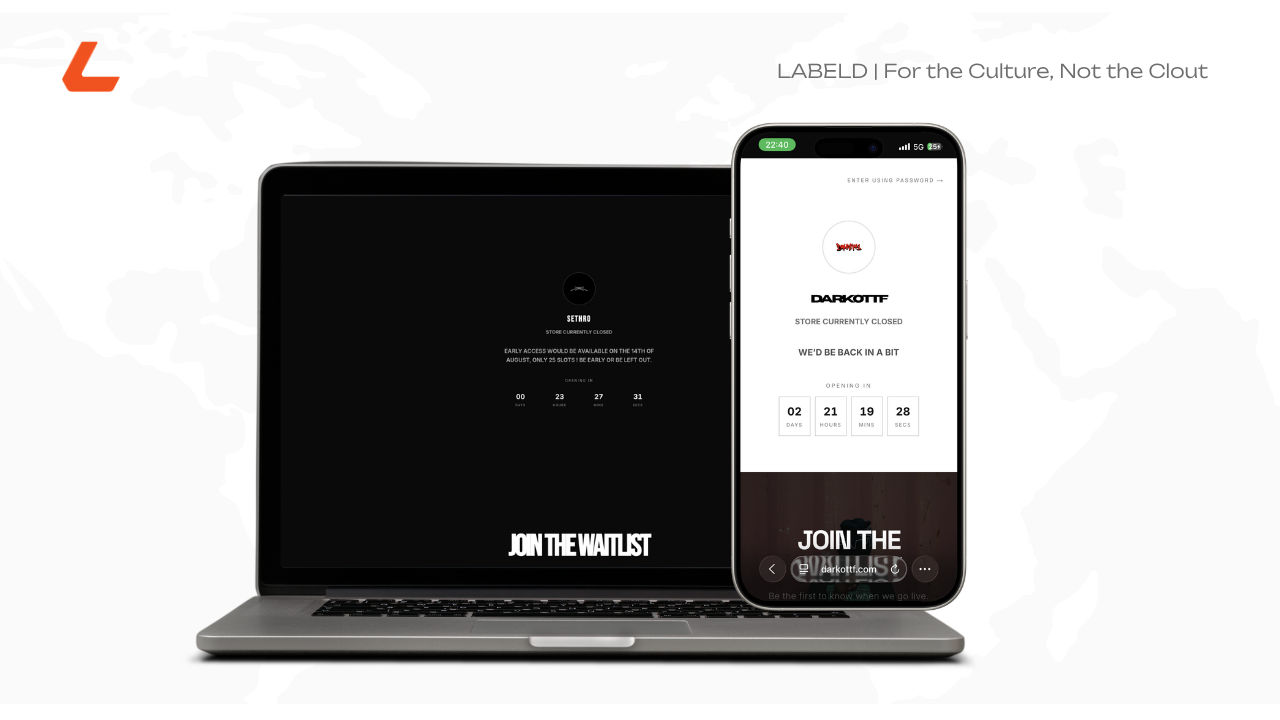
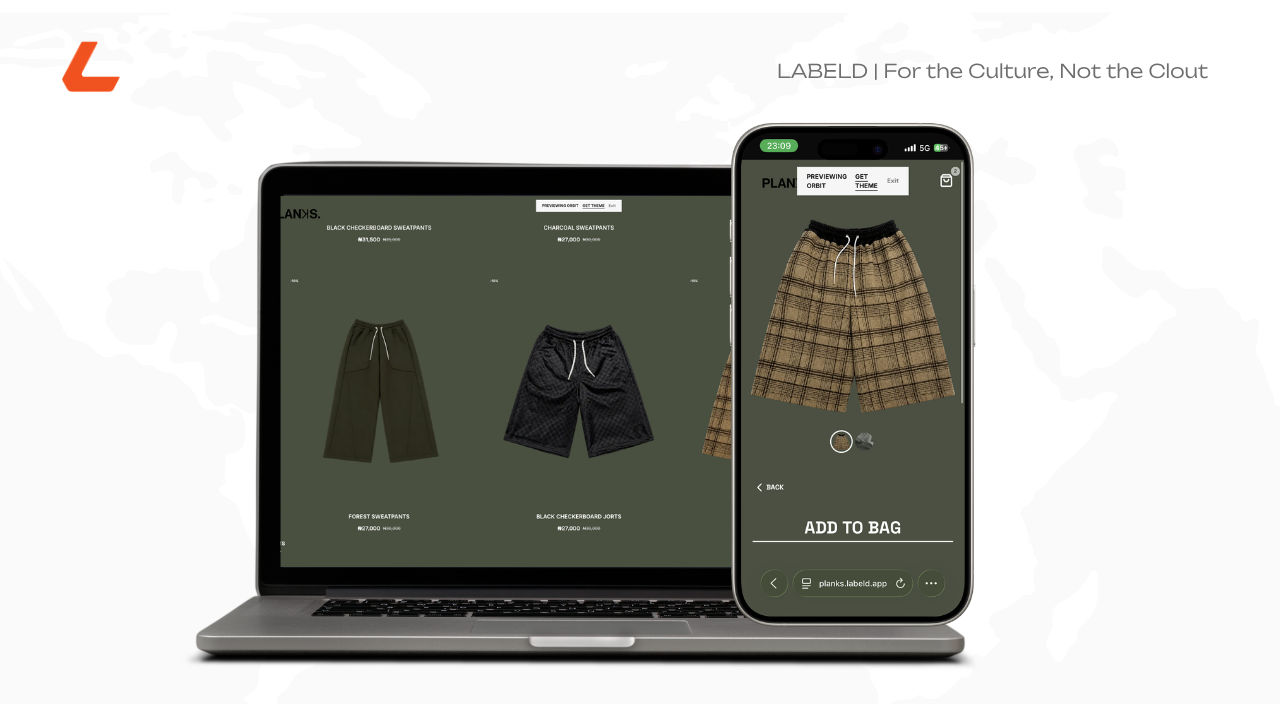
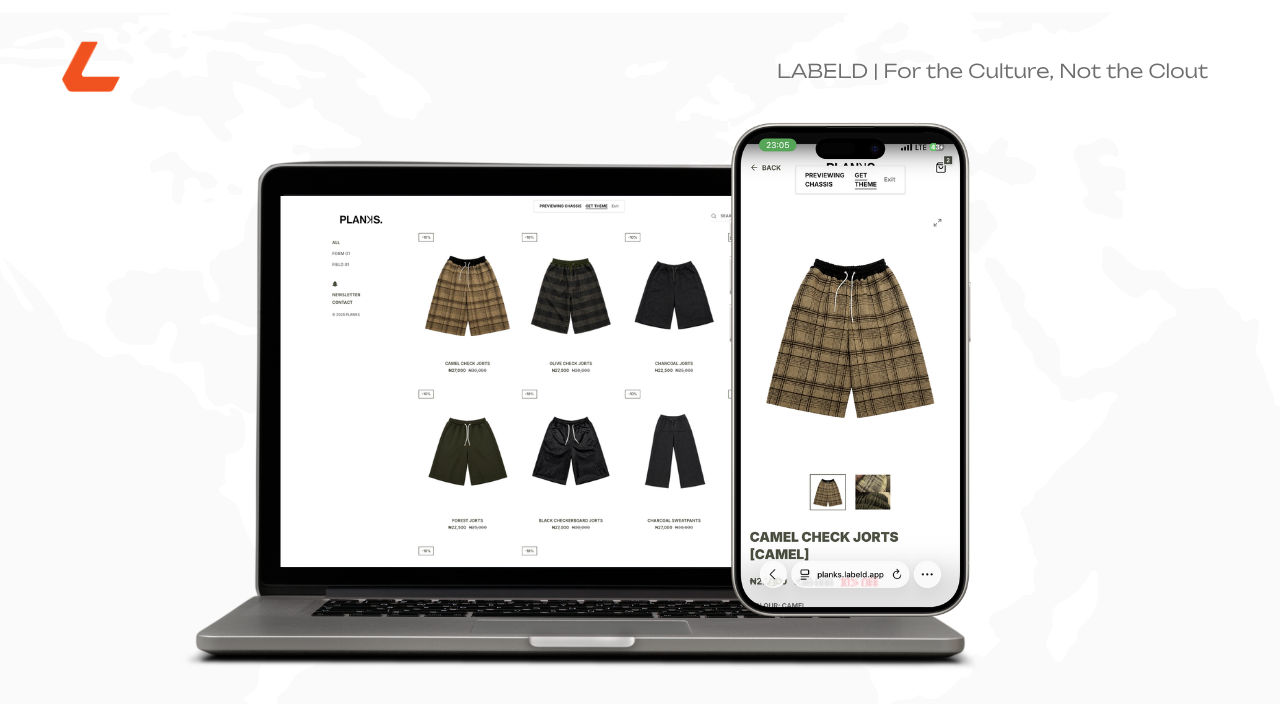
Your site can finally move
Labeld Studio Pro brands can now add silent, looping hero videos to their storefronts. Convey brand feeling and motion to customers instead of a static image.

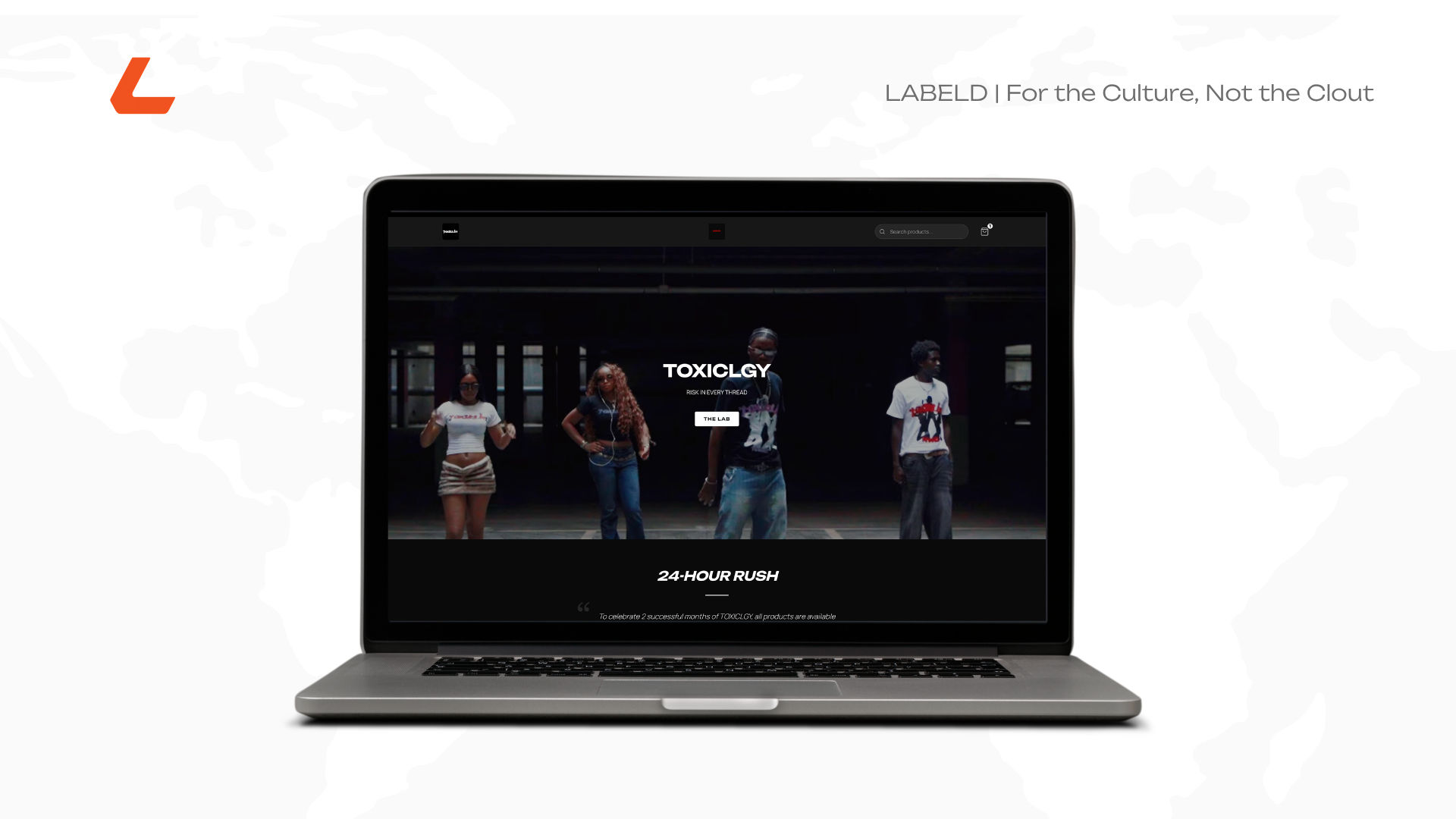
A photo tells someone what your brand looks like. A video tells them what it feels like to be in the room. That's the entire gap between a static hero image and a hero video, and until now, every storefront on Labeld sat on the wrong side of it.
The hero section is the first thing anyone sees when they land on your site, before the products, before the about section, before anything else. Most storefronts, most platforms, treat that space as a photo slot. Something to fill, not something to feel. Labeld Studio now lets Pro brands treat it like what it actually is: the opening shot of your brand.
What it actually does
Instead of a static banner image, your storefront's hero section can now play a single video on loop the moment someone lands on your page. No sound, no play button, no interaction needed. It just runs, quietly, behind your storefront, the way a well-shot campaign video runs behind a brand's homepage.
Think about what that changes. A still photo of your latest drop is a product shot. A few seconds of that same piece moving, on a body, in motion, catching light, is a moment. Customers land on your store and the first thing they get isn't a picture of your brand. It's a feeling of it.
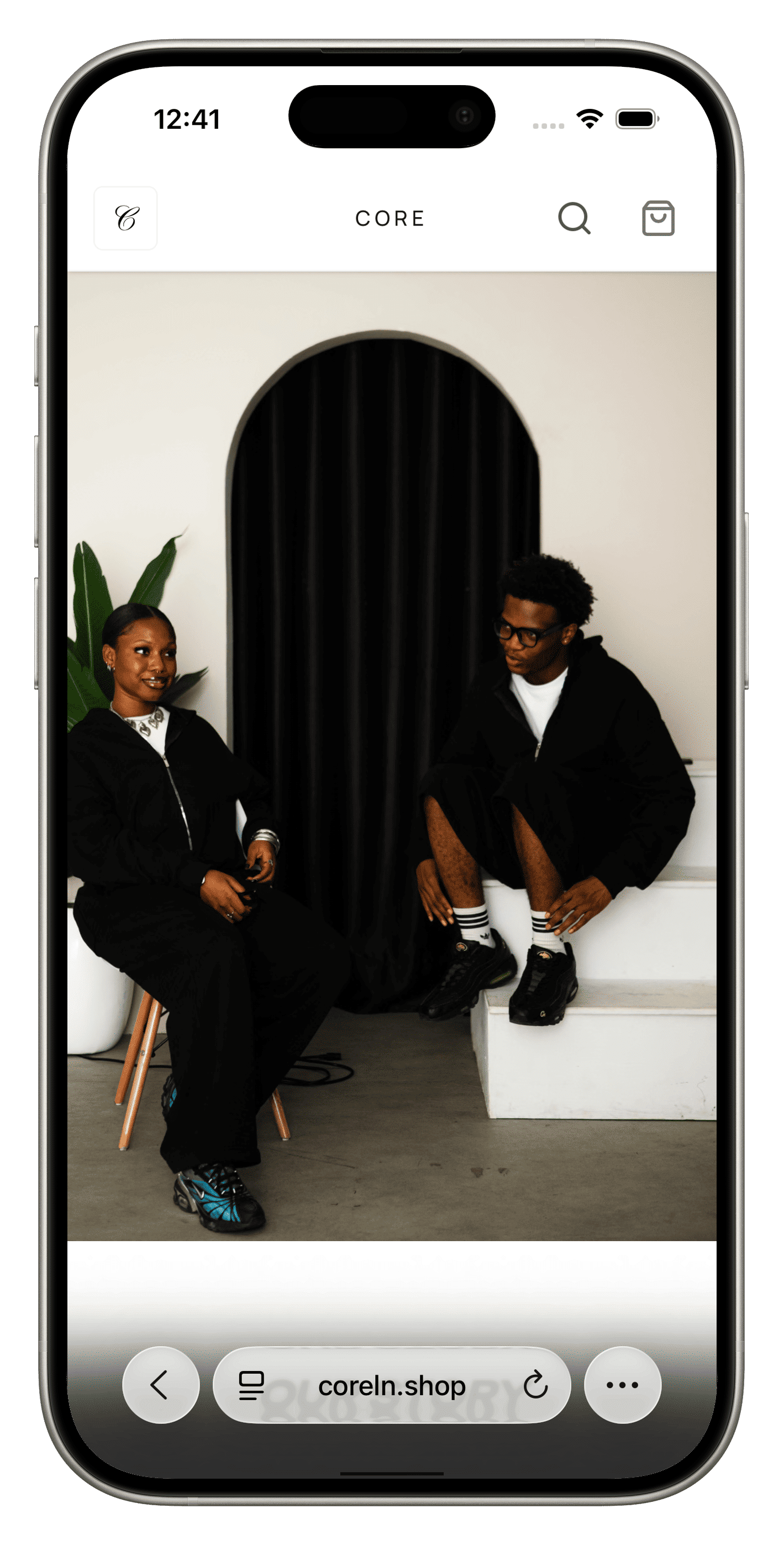
How it looks depending on your template
The video adapts to whichever storefront template you're running. Editorial uses a taller hero section, so a vertical or portrait video keeps your subject centered and framed properly. Essential and Commerce Forward use a wide banner hero, so a landscape video gives you the cleanest crop. Pick the orientation that matches your template, and it'll sit right without cropping awkwardly around your subject.
Setting it up
Go to More, then Brand Space, then Site Customization, then Customize on your active storefront, and open Hero Banner. Pick a video from your gallery.
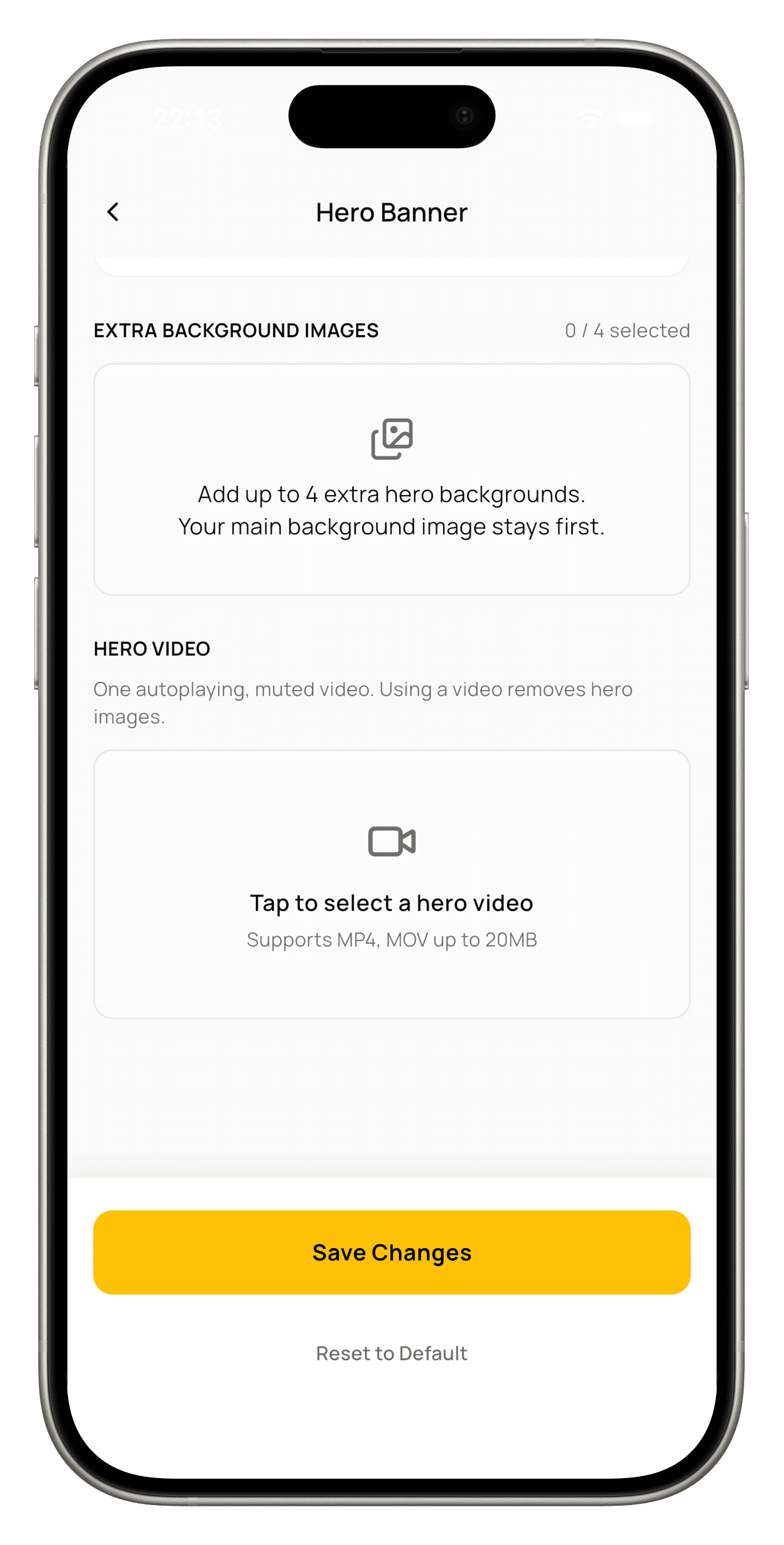
A few things worth knowing before you upload. Videos need to be MP4 or MOV, and capped at 20MB, the app shows you the file size as soon as you pick it, so you know before you commit. Autoplay video has to run muted, that's not a Labeld rule, it's how browsers work, so any audio on your clip gets stripped for storefront playback. And a hero section holds one or the other, never both: adding a video clears your static hero images, and adding an image back clears the active video. You'll get a warning either way before anything's replaced.
Once it's up, Labeld automatically pulls a still frame from your video to use as a fallback image, so on a slow connection or a browser that blocks autoplay, your storefront still shows something intentional instead of a blank space.
Who has access
Hero Video Banner is part of Pro. Free brands can see the option in Site Customization, but tapping it opens the upgrade prompt instead, and the storefront falls back to your static hero image regardless of what's uploaded behind the scenes.
Pro runs ₦5,000 monthly, ₦13,500 quarterly, ₦26,500 bi-annual, or ₦50,000 annual.
A photo shows someone your product. A few seconds of motion shows them your brand. If you're already on Pro, that upgrade is sitting in Site Customization right now. If you're not, this is what the difference actually looks like.
Ready to give your storefront some motion? Upgrade to Pro on Labeld Studio.
Was this article helpful?
The newsletter for
brand builders.
Guides, drops, and dispatches from Labeld — in your inbox, no noise.
Start your brand
for the culture.
Launch drops, manage events, and run your storefront from one place with Labeld Studio.
Get started